mRemoteNG
A free, tabbed connection manager for RDP, VNC, SSH and more on Windows.
Open source Desktop download
- Platforms
- Windows
- Licence
- Open source — GPLv2
- Price
- Free
- Category
- Remote access & support
- Updated
- 2026-11-05
What it is
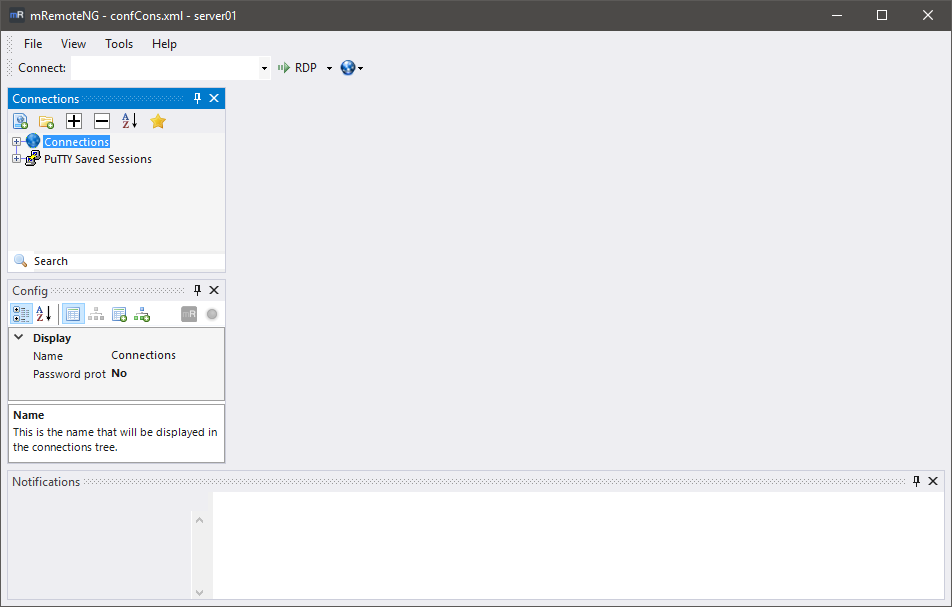
mRemoteNG is a free, open-source tabbed connection manager for Windows that speaks RDP, VNC, SSH, Telnet, HTTP/S, rlogin and raw connections. Sessions live in a folder hierarchy with inherited settings and stored credentials.
Problems it removes
- You want one Windows window holding every RDP and SSH session instead of many loose clients.
- Budget rules out a paid connection manager.
How administrators use it
- Sort production and lab hosts into folders with inherited protocol settings.
- Keep jump hosts one tab away during incidents.
Strengths & trade-offs
Strengths
- Free and open source.
- Many protocols in one tabbed window.
- Light on Windows.
Trade-offs
- Windows only.
- Credential storage needs care.
- Development pace is slow.
Common questions
Is it safe to store credentials in mRemoteNG?
It can store them, but treat the connection file as sensitive — protect it and prefer per-user encryption.
Does it run on macOS or Linux?
No — it is Windows only. Use Royal TS or another manager elsewhere.