AnyDesk
Low-latency remote desktop built on the DeskRT codec.
Paid (trial) Desktop download
- Platforms
- Windows, macOS, Linux, web, mobile, Raspberry Pi, FreeBSD
- Licence
- Paid (trial) — proprietary; free for personal use
- Price
- Free for personal use; business from ~$15/mo (billed yearly)
- Category
- Remote access & support
- Updated
- 2026-11-05
What it is
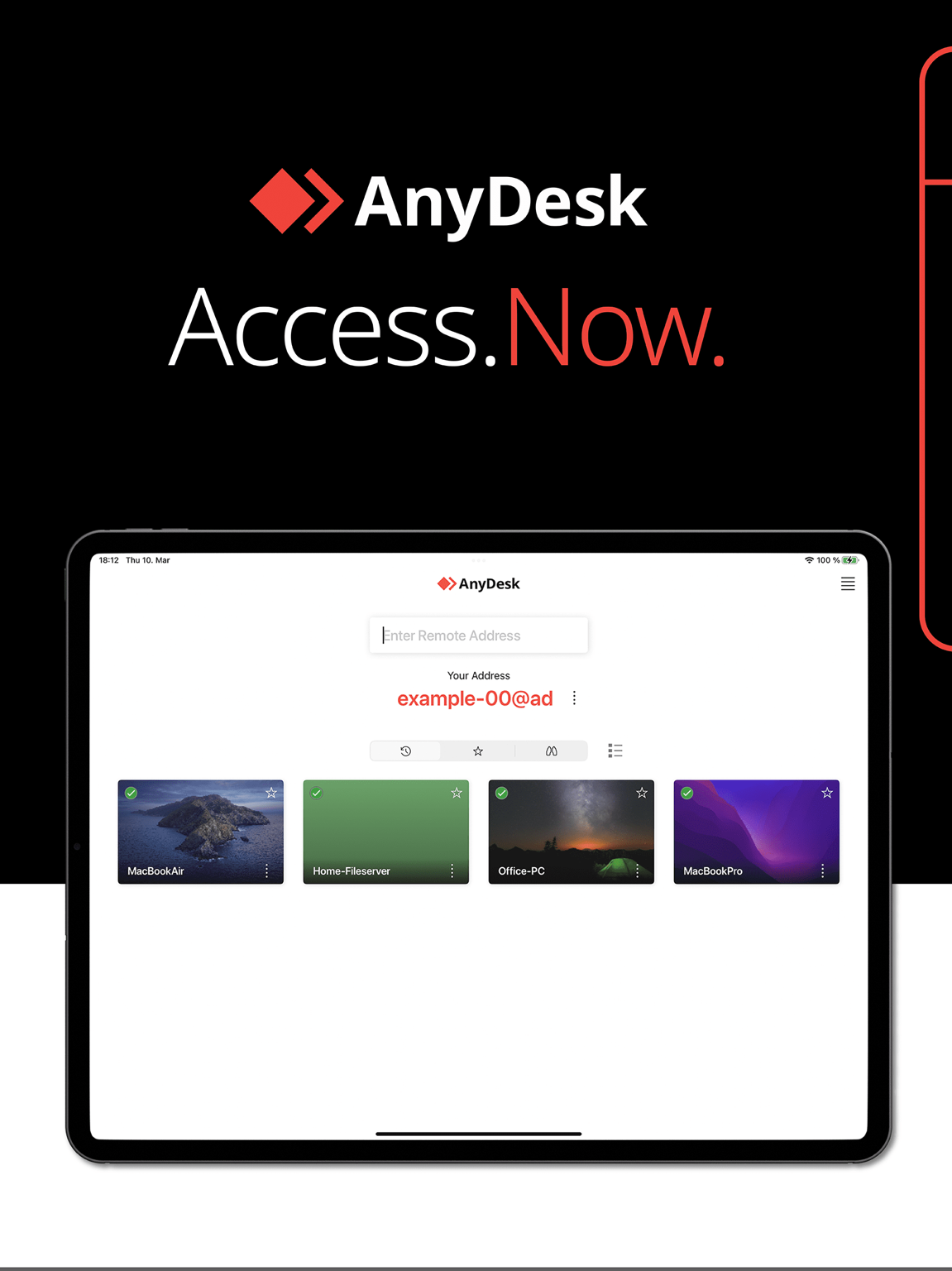
AnyDesk is a proprietary remote-access tool with a reputation for low latency, thanks to its DeskRT codec. Administrators get quick access to PCs and servers (attended or unattended), file transfer, an address book, access-control lists and a customisable client.
Problems it removes
- Sessions feel laggy on constrained links and you need a responsive codec.
- You want a branded support client to hand to end users.
- Access should be scoped with an ACL rather than one shared password.
How administrators use it
- Build a custom client with your namespace and permission defaults for the team.
- Turn on unattended access with an access-control list on servers.
- Keep a shared address book so technicians land on the right machines.
Strengths & trade-offs
Strengths
- Stays responsive on slow links.
- Custom client and address book.
- Wide platform support, including BSD and Pi.
Trade-offs
- Proprietary and cloud-brokered by default.
- Advanced features sit behind higher tiers.
Common questions
Is AnyDesk free for commercial use?
The free tier is personal-use only; business use requires a paid licence.
Why is AnyDesk often faster than rivals?
Its DeskRT codec is tuned for low latency, keeping sessions responsive on constrained links.
Head to head
Alternatives
TeamViewer
A long-established remote access and support service delivered from the cloud.
desktop download RustDeskSelf-hostable, open-source remote desktop that keeps sessions on your own servers.
desktop download SplashtopRemote access and support tuned for high-resolution, high-frame-rate sessions.
desktop download